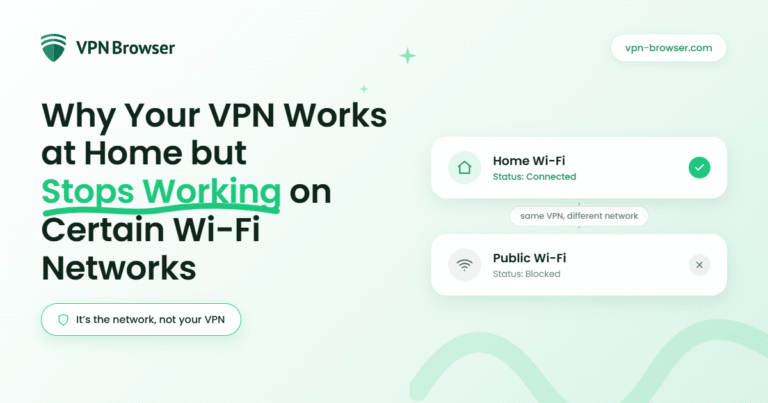
A VPN can feel seamless at home, then suddenly fail the moment you connect to airport, hotel, or café Wi-Fi. It’s a familiar pattern, and it rarely means something is wrong with your device.
What changes is the network itself, as home Wi-Fi tends to be open and predictable. Public or managed networks are often built with layers of control that shape how traffic moves.
Those controls can interfere with VPN connections, even when everything looks normal on the surface.
Understanding that is the difference between guessing and quickly fixing the issue. This article explores why network differences affect VPN performance, what happens behind the scenes, and how to restore a stable connection when it stops working.
When a consistent setup makes the difference
Moving between networks means dealing with different restrictions each time. A VPN that adapts easily helps reduce friction.
If you’re switching between home, travel, and public Wi-Fi, using a setup designed for flexible connections can make things more stable across environments. One option is a VPN for your browser, offering a straightforward way to maintain a consistent connection across different networks without constant reconfiguration.
It’s a simple way to maintain access without needing to reconfigure settings every time you join a new network. Consistent setups help keep your connection reliable even as network conditions shift from one place to another.
What changes between home Wi-Fi and public networks
Home networks are usually simple. You control the router, there are fewer restrictions, and most traffic flows without interference.
A VPN can connect directly and maintain a steady tunnel. That stable path allows your data to move without interruption, which is why the connection feels consistent at home.
Public and shared networks work differently and are designed to manage large numbers of users at once, often with limits in place to keep speeds stable or enforce usage policies.
That difference shows up in how your VPN behaves. At home, it connects freely, and on public Wi-Fi, it may struggle to establish or maintain the same connection because the network is actively shaping traffic in the background.
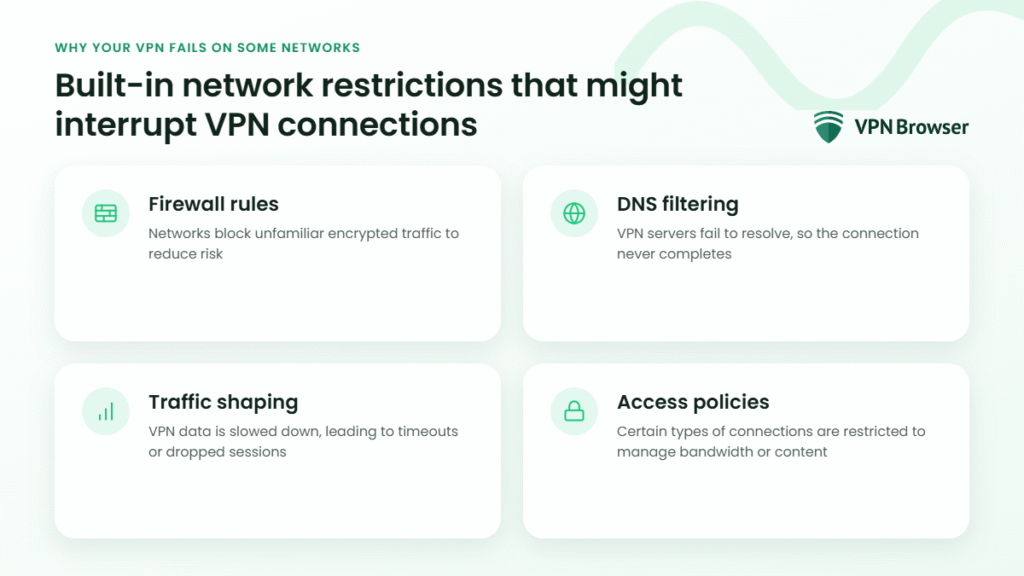
Built-in network restrictions that interrupt VPN connections
Many networks apply filters that affect VPN traffic without fully blocking internet access. These systems are designed to prioritise control over flexibility.
Here’s where things tend to break:
- Firewall rules: Networks block unfamiliar encrypted traffic to reduce risk
- DNS filtering: VPN servers fail to resolve, so the connection never completes
- Traffic shaping: VPN data is slowed down, leading to timeouts or dropped sessions
- Access policies: Certain types of connections are restricted to manage bandwidth or content
These restrictions don’t always show an error message. The VPN simply fails to connect or disconnects repeatedly, which makes it feel unpredictable.
Protocol: The language your VPN uses to connect
Protocol is the method your VPN uses to create a secure tunnel. Not all networks allow every protocol, and some even block or limit the ones most commonly used by VPNs.
This is why a connection that works perfectly at home may fail somewhere else. The network may be restricting the specific “language” your VPN relies on.
Research into VPN use on public Wi-Fi shows that network-level filtering can disrupt encrypted tunnels, especially when default protocols and ports are used without adjustment.
In practical terms, your VPN is still working, but can’t communicate through the routes that the network allows. This means the connection may fail to start, drop unexpectedly, or struggle to stay stable even when your internet appears to be working normally.
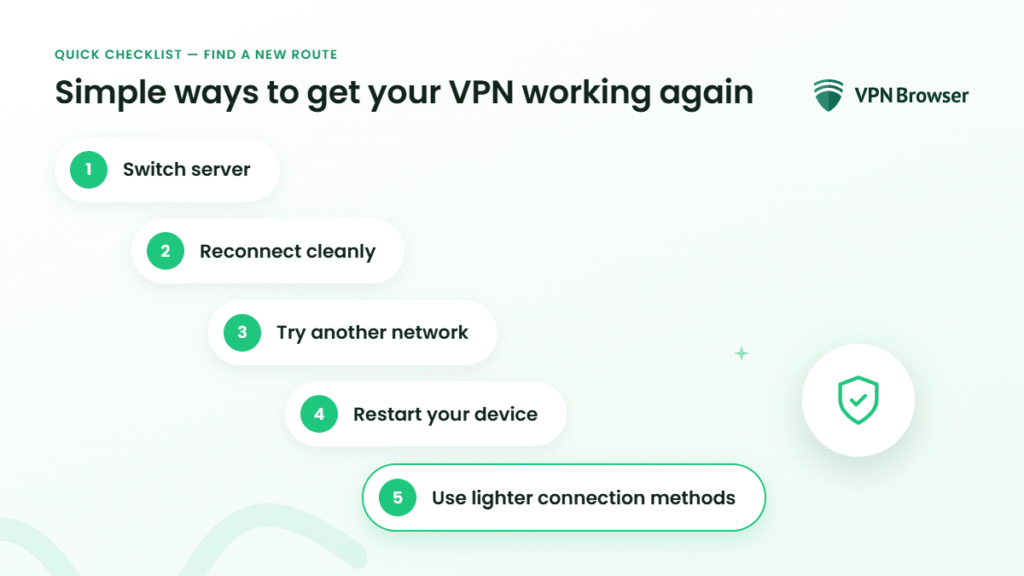
Simple ways to get your VPN working again
When a VPN stops working on a specific network, the solution is usually about changing how it connects rather than replacing it.
A few adjustments can make a noticeable difference:
- Switch server: Some servers face fewer restrictions on certain networks
- Reconnect cleanly: Resetting the connection can bypass temporary blocks
- Try another network: Mobile data often avoids Wi-Fi restrictions entirely
- Restart your device: Clears cached settings that may interfere
- Use lighter connection methods: Browser-based tools can work when full VPN traffic is limited
Think of it as finding a new route rather than forcing the same one to work.
Why the issue is rarely the VPN itself
It’s easy to assume the VPN is unreliable when it stops working. In most cases, it’s doing exactly what it’s supposed to do.
The limitation comes from the network environment. Home Wi-Fi allows a direct path, while public networks apply rules that reshape how connections behave.
Once you recognise that, the problem becomes clearer. Think of it as working around a controlled system rather than fixing a broken tool.
Clarity here changes how you respond. Instead of trial and error, you make small, deliberate adjustments and move on, without losing time or access.