










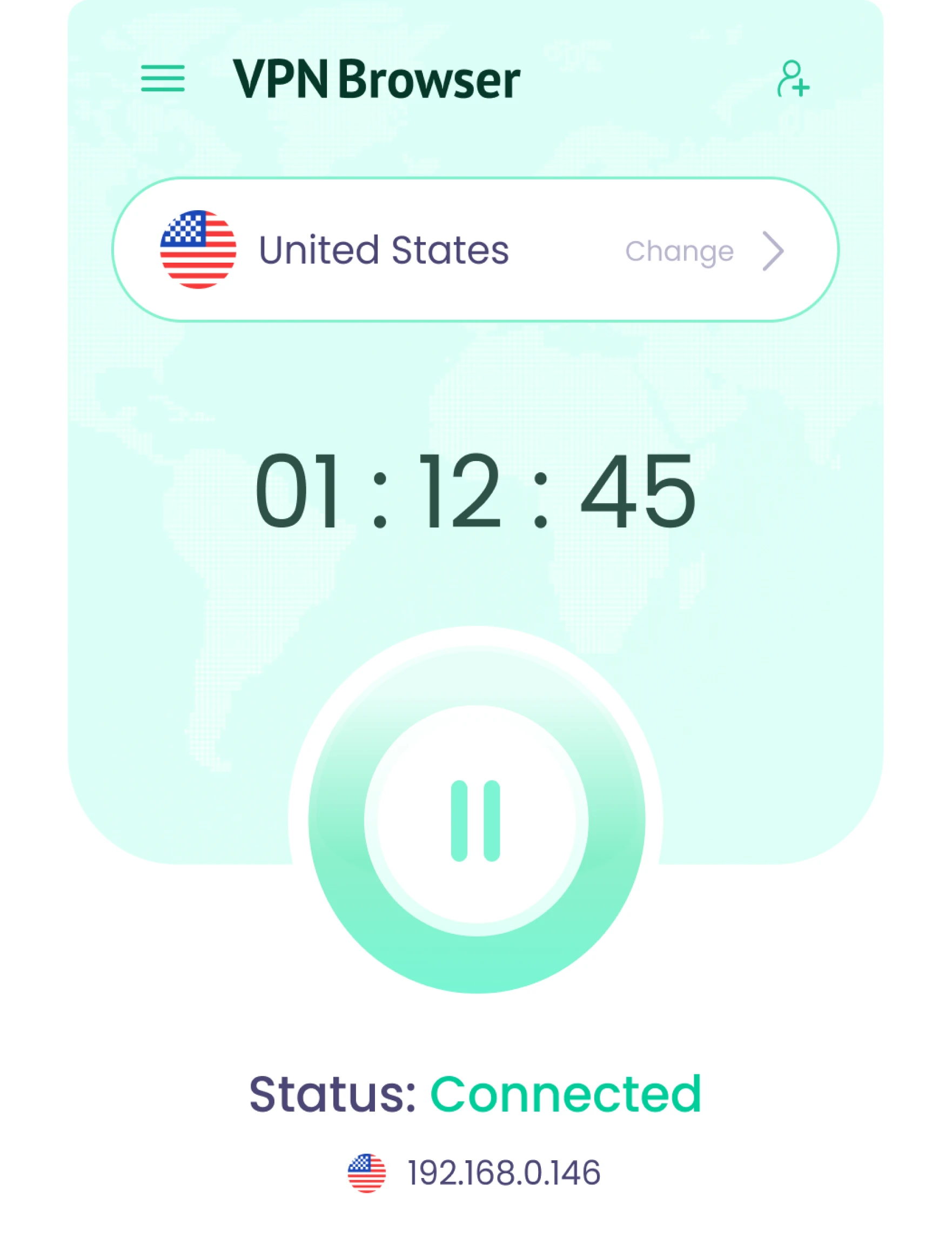
Your IP is Hidden
The Best Free VPN Browser Extension for Chrome and Edge.
Unblock content, change your IP location directly from your browser for free.

Free VPN Features Designed for Everyday Browsing
Designed for reliable VPN Server performance, and built-in protection.
Simple
One-Click Connection
Connect to a VPN server instantly and secure
your traffic with a single click.
No setup or registration Required.
your traffic with a single click.
No setup or registration Required.

AI First
AI-Powered Protection
Advanced AI features analyze connection anomalies and provide alerts when unusual patterns appear.

Advanced Encryption
Strong Privacy & Encryption
Your browser connection is routed through
encrypted double VPN servers while the extension is active.
encrypted double VPN servers while the extension is active.

Fast Performance

Fast & Stable Speeds
Designed for smooth browsing with consistent connection performance.
Streaming Access
Streaming VPN
Unlock global content by changing your IP location.
And access content across different regions.
And access content across different regions.

Global Access
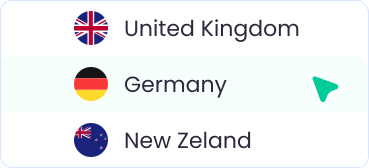
Worldwide Locations
Choose from more than 300 VPN servers around the world to access content and
browse freely without limits.
browse freely without limits.
300+ Free VPN Servers in 80 Countries
Access 300+ VPN servers across 80 locations and change your IP location anytime.
America



















Asia & Oceania


















Europe, Middle East & Africa




































How to Set Up VPN Browser on you Device
Install the extension, choose a location, and change your IP location in seconds.
Step 1
Install the Extension on Chrome
Add the VPN Browser extension from the Chrome Web Store and get started in seconds.
Step 3
Secured Access to Global Content
Unblock global content with a fast, reliable VPN connection while your IP address is masked and your browser traffic is encrypted.
Step 2
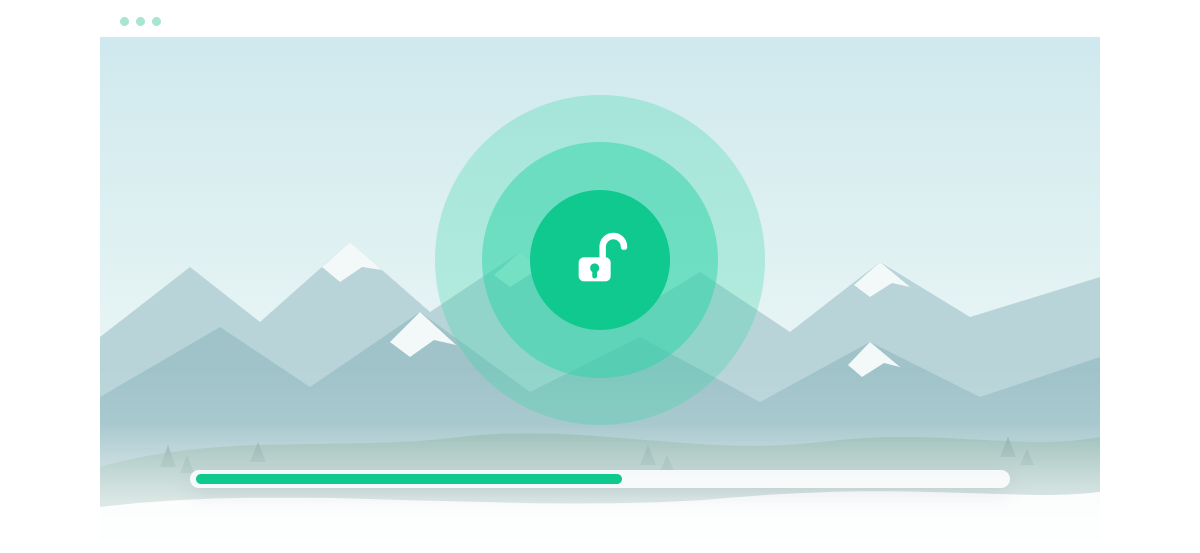
Connect & Choose a Location
Click connect and select a location to change your IP location directly from your browser.


Frequently Asked Questions
Frequently Asked Questions about VPN Browser
Is there a 100% free VPN?
Yes. VPN Browser is free to use as a browser extension for Chrome and Edge.
You can use it without paying or subscribing.
Is VPN Browser safe?
VPN Browser routes your browser traffic through encrypted multi hop VPN servers while the extension is active.
Do you plan on adding premium features in the future?
Yes. Premium features are planned for mobile and desktop applications.
The browser extension will remain free to use.
Does using a VPN disable browser fingerprints?
Partially. While A VPN changes your IP address it does not fully remove or block browser fingerprinting. Other identifiers such as browser settings and device characteristics can still be used to distinguish users.
What is the difference between a proxy and a VPN?
A proxy typically routes traffic for a specific application or browser, while a VPN routes traffic through a dedicated server with encryption.
VPN Browser works at the browser level, allowing you to change your IP location and manage how your browser connects.