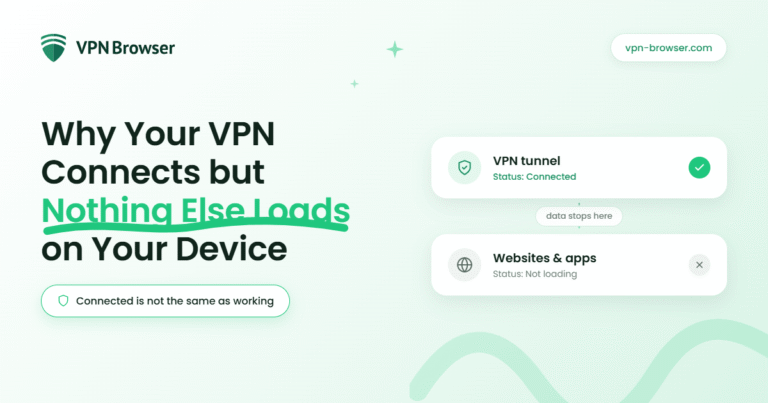
You turn on your VPN, see the “connected” status, and expect everything to work as normal. Instead, pages won’t load, apps hang, and your connection feels completely stalled.
This situation is confusing because the VPN appears to be working. In reality, the connection has been established, but the data flowing through it is getting interrupted somewhere along the route.
That gap between “connected” and “usable” usually comes down to how traffic is being handled after the tunnel is created.
Once you understand where that breakdown happens, the fix becomes far more direct. This article explores what causes that disconnect between connection and performance, and how to restore normal browsing without disrupting your VPN.
When a stable connection setup prevents loading issues
A VPN connection is not just about switching it on, but it also depends on how consistently your device can route traffic through it. If that process is unstable, you may see a connected status without any real internet access.
Using a setup designed for desktop environments can reduce these issues, especially when dealing with mixed networks or heavier browsing. One option is a Free VPN like VPN Browser, which is optimized for Chrome and Edge, helping ensure traffic routes cleanly through the system so your connection stays usable, not just connected.
A consistent configuration helps ensure that once the VPN connects, your data continues to move instead of getting stuck between systems.
Where the connection breaks after the VPN connects
A VPN creates a secure tunnel, but your data still has to pass through several steps before it reaches the wider internet. If any of those steps fail, nothing loads even though the VPN remains active.
In many cases, the breakdown happens after the connection is established, when your device tries to send or receive data through that tunnel.
Maintaining a secure connection across the internet depends on encryption, stable routing, and uninterrupted data flow. Even if the VPN shows as connected, any disruption in how that traffic is routed can prevent data from reaching its destination.
Why websites fail to load even with a connection
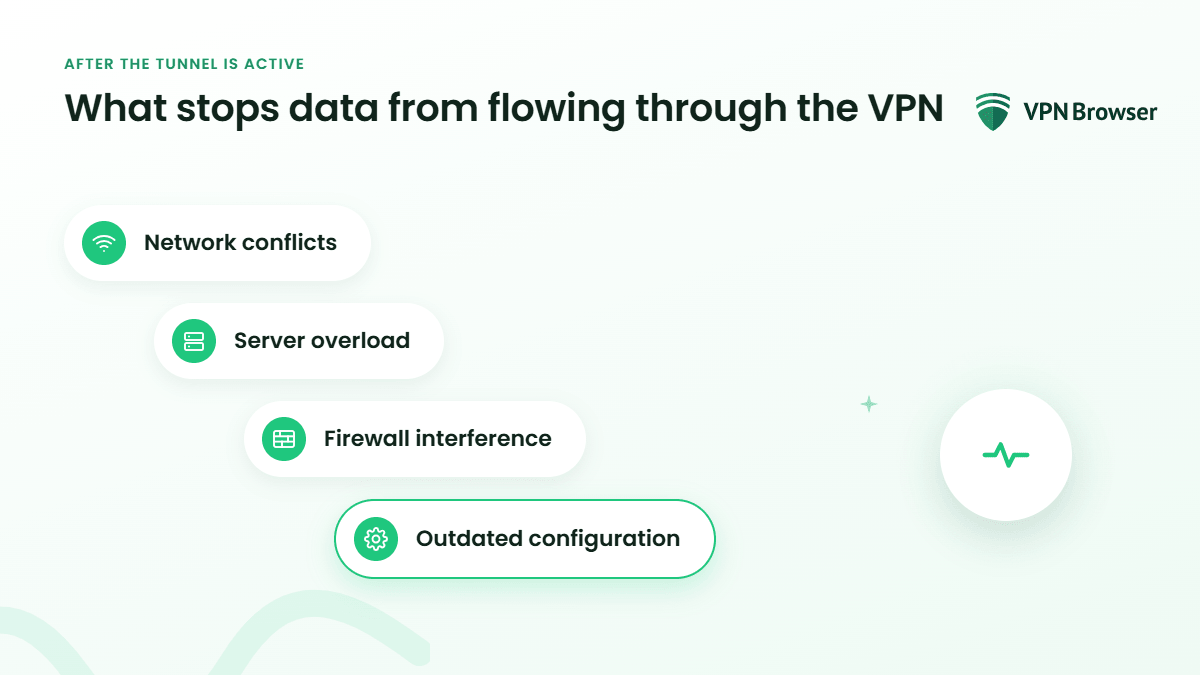
Even with a working VPN tunnel, your device still needs to resolve domain names. If DNS requests fail or get blocked, websites simply won’t load.
This is one of the most common reasons behind the issue:
- DNS mismatch: The VPN and network use different DNS systems that conflict
- Blocked requests: Some networks prevent DNS queries from passing through the tunnel
- Slow resolution: Requests take too long, causing pages to time out
- Misrouted traffic: DNS queries go outside the VPN, breaking the connection path
When DNS fails, the internet appears down even though the VPN connection itself remains active.
Resolving this often restores functionality immediately, which is why the issue can feel sudden and inconsistent.
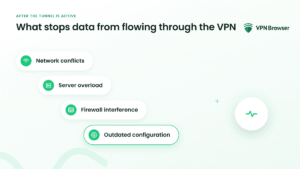
Common causes that stop data from flowing through the VPN
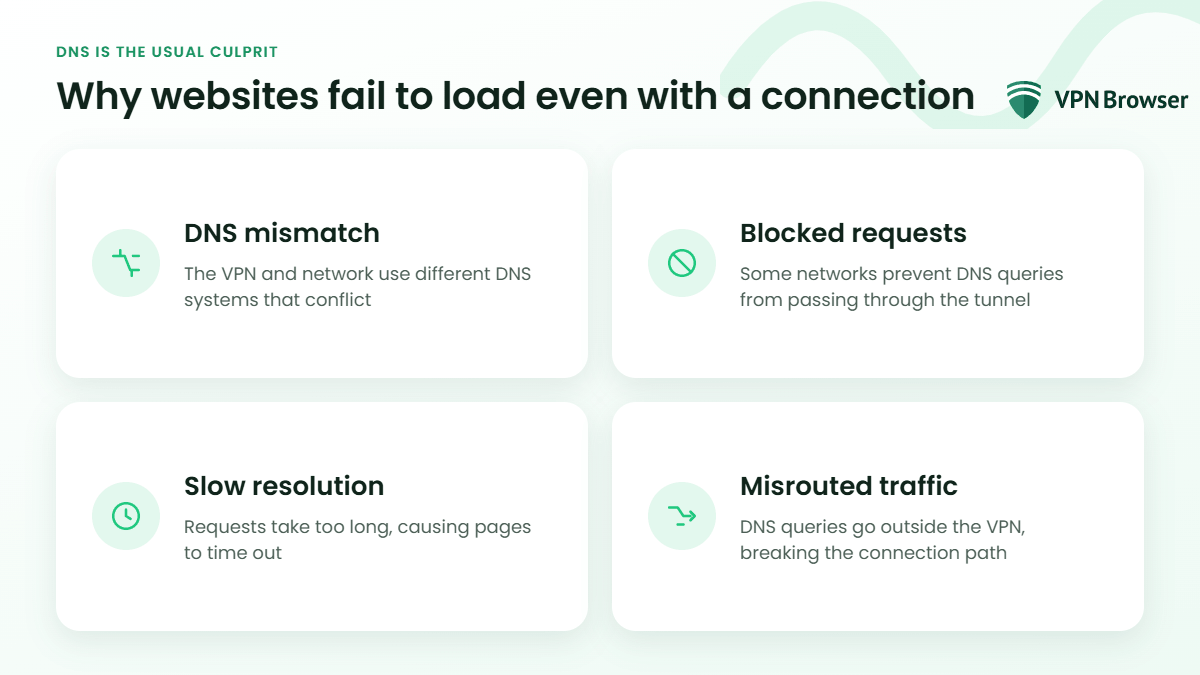
Once the tunnel is active, your device still depends on correct routing and permissions to move data. When those don’t align, everything stalls.
Here are the most frequent causes:
- Network conflicts: Local Wi-Fi settings override or interfere with VPN routing
- Server overload: The selected VPN server cannot handle the traffic load
- Firewall interference: Security settings block outgoing or incoming VPN data
- Outdated configuration: Old settings prevent proper communication with the server
Each of these issues affects how data moves after the connection, not the connection itself.
Understanding that distinction helps avoid unnecessary troubleshooting steps and focuses attention on what actually needs adjustment.
Why “connected” doesn’t always mean “working”
It’s easy to trust the connection status, but that label only confirms one part of the process. The VPN has established a tunnel, but it doesn’t guarantee that data is flowing through it correctly.
Once you see the connection as a chain rather than a single step, the issue becomes clearer. One link is active, but another is failing.
That shift in perspective matters because it changes how you respond. Instead of restarting everything, you look at where the flow stops and adjust that point directly, restoring access without losing the protection the VPN provides.