
Thanks for
Installing VPN Browser Guard
Follow the steps below to enable VPN Browser Guard browser extension.
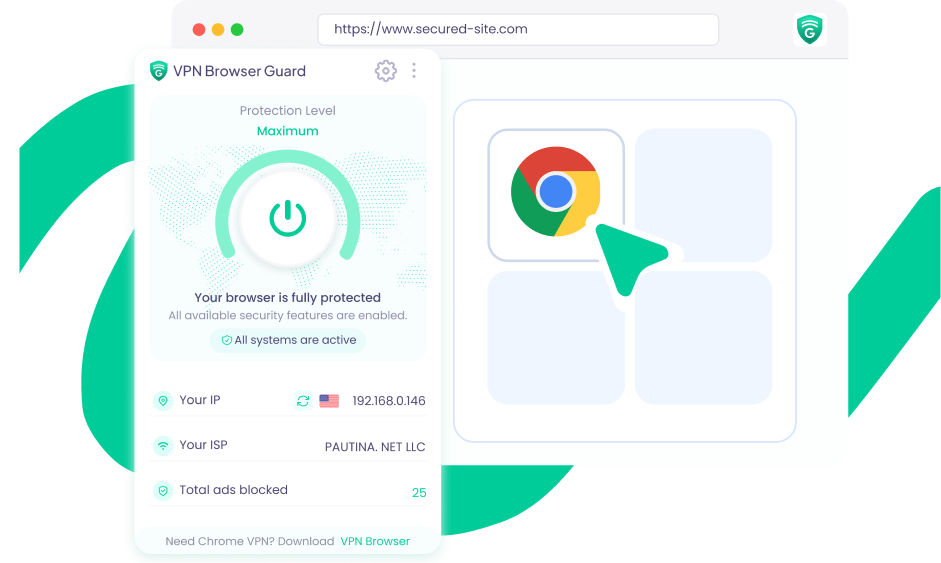
How to Set Up VPN Browser Guard
Step 1
Open VPN Browser Guard
Open the VPN Browser extension from your toolbar.

Step 3
Connect
Press Start and you’re instantly connected with a protected IP address.

Step 2
Pin it
Use the puzzle icon to pin VPN Browser for quick access.

Frequently Asked Questions
Everything you need to know now that VPN Browser Guard is installed.
Is VPN Browser Guard active after installation?
Most VPN Browser Guard features start working after installation, while some require your opt-in before they are enabled. You can review and manage all features in the extension settings.
What does VPN Browser Guard do?
It helps block intrusive ads, malicious websites, phishing pages, browser hijackers, and crypto-mining scripts while you browse.
Can I turn individual features off?
Yes. Open the extension settings to enable or disable individual features based on your preferences.
Can I opt out of analytics?
Yes. You can opt out of all analytics events at any time through the extension settings.